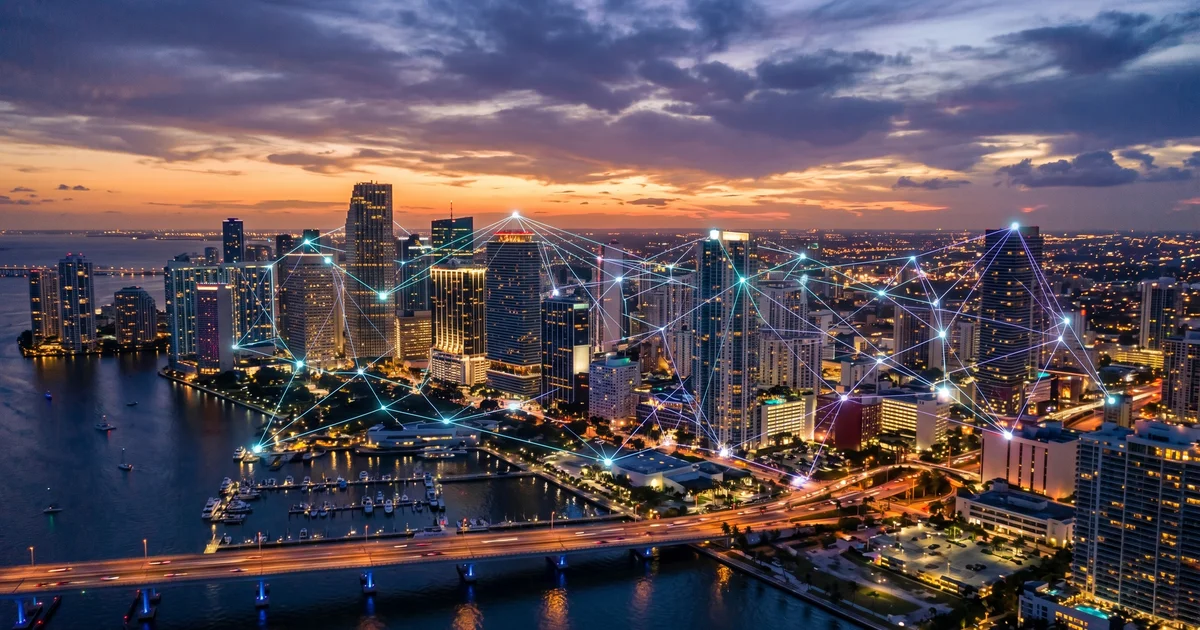
Construction IT in South Florida: More Than a Hotspot
South Florida job sites need more than a mobile hotspot. Learn what construction IT infrastructure your projects actually require — and how to deploy it.
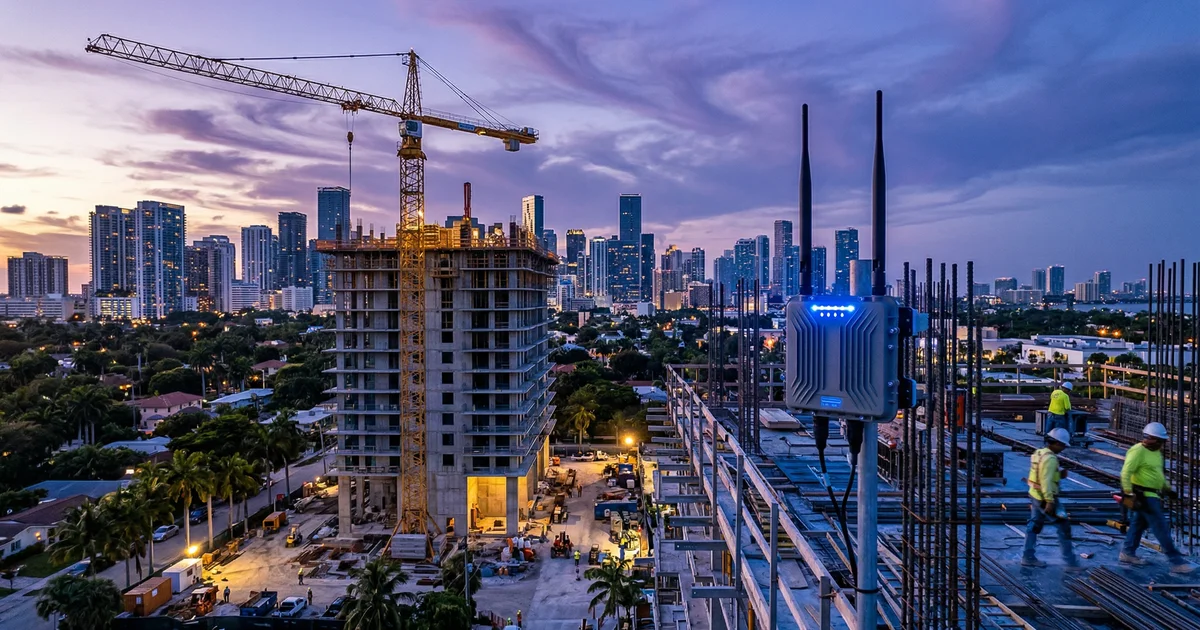
Florida’s construction industry contributes over $200 billion annually to the state economy. Miami-Dade alone has a $4.7 billion rail corridor in progress, a $600 million airport expansion underway, and enough condo towers going vertical to reshape the skyline every quarter. Yet walk onto most South Florida job sites and you’ll find the entire operation running on a project manager’s phone hotspot.
That worked five years ago. It doesn’t anymore.
Modern construction runs on cloud platforms — Procore, Bluebeam, BIM 360, Sage 300 CRE — that demand consistent, high-bandwidth connectivity. Your field crews are syncing blueprints, submitting daily logs, uploading inspection photos, and pulling permits from tablets in 95-degree heat. A hotspot throttling at 2 Mbps in a concrete structure isn’t infrastructure. It’s a liability.
Key Takeaways
- Procore alone needs 5 Mbps per user at minimum — a 15-person site needs 75+ Mbps of reliable bandwidth
- Consumer hotspots throttle, overheat, and drop connections in ways that kill productivity on active job sites
- South Florida’s heat, humidity, salt air, and hurricane season demand ruggedized, weather-rated IT equipment — not off-the-shelf gear from Best Buy
- Construction is the #1 most-targeted industry for cyberattacks with an average of 226 incidents per year — your job site WiFi is an attack surface
- Purpose-built construction IT pays for itself through fewer delays, faster document turnaround, and protected bid data
Why a Mobile Hotspot Doesn’t Cut It Anymore
Ten years ago, construction IT meant a desktop in the main office and paper plans on the job site. The technology expectations have completely changed. Today’s GCs and subs run their entire project lifecycle through cloud software that assumes fast, stable internet is always available.
The problem: job sites are not offices. They’re temporary, remote, surrounded by concrete and steel, and they move every few months. Consumer-grade connectivity solutions were never designed for this.
A single mobile hotspot shares one cellular radio among every device connected to it. Add five iPads running Procore, a superintendent uploading drone footage, and a PM on a video call with the owner’s rep, and you’ve saturated your bandwidth in minutes. Then the hotspot overheats because it’s sitting on a dashboard in a trailer with no AC and the ambient temperature is 105 degrees.
What Your Construction Software Actually Needs
Here’s what the platforms your crews rely on actually require:
| Platform | Min. Bandwidth Per User | Notes |
|---|---|---|
| Procore | 5 Mbps | Cloud-based; requires stable connection for real-time sync; large file uploads need more |
| BIM 360 / Autodesk Build | 5 Mbps symmetric | 64-bit browser recommended; heavier for model viewing |
| Sage 300 CRE | Gigabit Ethernet (wired) | Remote users must use Remote Desktop; WiFi/VPN direct not supported |
| Bluebeam | 5+ Mbps | CPU/RAM intensive for large PDF markup sets; cloud sync needs reliable upload speeds |
| PlanGrid | 3-5 Mbps | Sheet sync and photo upload are bandwidth-heavy |
For a job site trailer with 10-15 users running a mix of these platforms plus email, VoIP, and file sharing, you need a minimum of 75-100 Mbps of reliable, symmetric bandwidth. That’s not aspirational — that’s the floor for things to work without everyone waiting on spinning wheels.
A single mobile hotspot delivers 20-35 Mbps on a good day and throttles after hitting a data cap. The math doesn’t work.
And bandwidth is only one dimension. As AI agents and cloud-based project tools become standard on job sites, the security requirements for that connectivity grow too. An unsecured hotspot isn’t just slow — it’s an attack surface.
Job Site Connectivity Options for South Florida Contractors
The good news: there are real solutions designed for temporary construction environments. Here’s how they compare.
Fixed Wireless and Point-to-Point
A directional antenna with line-of-sight to a provider’s tower or a nearby building with fiber. Speeds can reach up to 10 Gbps on current fixed wireless technology, and deployment takes 24-48 hours with no trenching.
Best for: Job sites within a few miles of urban infrastructure — which covers most of Miami-Dade, Broward, and Palm Beach County. This is the workhorse solution for South Florida commercial construction.
Private LTE/5G Networks
Enterprise-grade cellular networks where all data stays within your organization’s environment. Seamless handoffs between access points as crews move across the site. More expensive than other options but provides the most consistent coverage across large, multi-building sites.
Best for: Large-scale projects — high-rises, campus builds, infrastructure projects — where dozens of workers need coverage across a wide area.
Starlink + SD-WAN
Satellite connectivity paired with an intelligent SD-WAN router (Peplink is the most common choice) for automatic failover between satellite, cellular, and any available wired connections. Starlink delivers 50-200 Mbps with latency around 25-50ms.
Best for: Remote sites outside the urban core — agricultural land development, western Broward, the Redlands, Florida Keys projects — where fixed wireless and strong cellular signals aren’t available.
Hybrid Mesh Networks
Multiple WiFi access points distributed across the job site, connected back to a primary internet source via fixed wireless or fiber. The mesh extends coverage into buildings under construction, parking structures, and areas where a single access point can’t reach.
Best for: Sites with complex layouts, multiple floors under construction, or large footprints where a single connection point leaves dead zones.
In our experience working with South Florida contractors, most sites end up with a hybrid approach — fixed wireless as the primary connection with cellular failover, distributed through weatherproof access points placed strategically around the site. The specific mix depends on location, project duration, and crew size, which is why a site assessment before deployment matters.
The South Florida Factor — Heat, Humidity, and Hurricanes
This is where generic “construction IT” advice from national providers falls apart. South Florida is a unique operating environment that destroys technology that wasn’t built for it.
Heat
Construction trailers without dedicated HVAC reach interior temperatures of 120-140 degrees in summer. Consumer networking equipment is rated for operation up to about 95 degrees. Do the math. We’ve seen routers, switches, and hotspots fail within weeks of being deployed in un-cooled trailers.
The fix: Either install a dedicated mini-split HVAC unit in your trailer’s network closet, or use industrial-rated networking equipment designed for extended temperature ranges. NEMA-rated outdoor enclosures with active cooling for any equipment that lives outside.
Humidity and Salt Air
Collier County runs 75-85% humidity year-round. Coastal sites in Miami Beach, Fort Lauderdale, and the Keys add salt air corrosion to the mix. Standard ethernet ports, antenna connectors, and cable terminations corrode faster than you’d expect.
The fix: Conformal-coated electronics, stainless steel mounting hardware, and IP67-rated outdoor enclosures for any equipment exposed to the elements. Inspect connectors quarterly on coastal job sites.
Hurricane Season
June through November, every job site in South Florida faces the real possibility of a direct hit. A Category 4 storm doesn’t just knock out your internet — it can destroy your entire IT infrastructure on site.
The fix: Cloud-first architecture with backups stored outside the hurricane zone (we use geo-redundant data centers in the Midwest and Northeast for our construction clients). Generator-backed UPS systems for critical networking equipment. A documented business continuity plan that lets your team access project data remotely when the site is inaccessible. Pre-staged replacement equipment that can be deployed within 48 hours of a storm clearing.
This is also where your low voltage infrastructure matters — properly rated cabling, grounded equipment, and surge protection prevent a single lightning strike from taking out your entire network.
Cybersecurity on the Job Site
Here’s a stat most contractors don’t know: construction is the #1 most-targeted industry for cyberattacks, with an average of 226 incidents per year according to ReliaQuest research. Ahead of healthcare. Ahead of finance.
Why? Construction companies handle high-value data — bid documents with proprietary pricing, banking credentials for large payment transfers, subcontractor personal information, and architectural designs worth millions. And most of that data moves across unsecured job site WiFi networks that anyone in the parking lot could intercept.
The attack surface is massive:
- Unsecured WiFi at job sites broadcasting company data to anyone with a packet sniffer
- 91% of construction cyberattacks start with phishing emails sent to project managers and field staff who aren’t trained to spot them
- Subcontractor sprawl — dozens of companies connecting personal devices to your network, each one a potential entry point
- Bid document theft — competitors or bad actors intercepting sealed bid pricing through compromised email or file sharing
The baseline for any job site network should include WPA3 encryption, VLAN segmentation between company and guest traffic, VPN tunnels back to the main office, and endpoint protection on every company device. Your cybersecurity provider should be involved in job site network design from day one — not called in after a breach.
What a Construction IT Partner Actually Does
A generic MSP can set up email and patch your servers. A construction IT partner understands the pace, pressure, and physical demands of your projects. Here’s what the scope actually looks like:
- Site assessments — Walking the job site to map coverage gaps, identify connectivity options, and spec the right equipment before the first trailer arrives
- Procore and construction software optimization — Not just installing it, but configuring workflows, ERP integrations (Acumatica, Viewpoint Vista, Sage, QuickBooks), and ensuring the infrastructure supports it
- Mobile device management — Fleet-wide MDM for every iPad, rugged tablet, and field phone, with remote wipe capability when devices are lost or stolen on site
- Ruggedized network deployments — Weather-rated access points, industrial switches, and failover systems built to survive South Florida conditions
- 24/7 monitoring and support — Because a site that loses connectivity at 6 AM when the concrete pour starts can’t wait until the help desk opens at 9
- Scalable infrastructure — Pre-staged equipment packages that move from site to site as projects complete and new ones begin
At BASG, we’ve deployed networks in active construction zones across Miami-Dade and Broward — in job trailers, on elevated slabs, in prefab warehouses, and at remote sites where cellular barely reaches. We understand that your IT has to be as mobile as your crews and as tough as the environments they work in.
If your projects are running on hotspots and hope, there’s a better way. Our team will assess your current and upcoming job sites, spec the right connectivity and security infrastructure, and deploy it on your timeline — not ours. Schedule a construction IT assessment and find out what reliable, secure job site technology actually looks like.