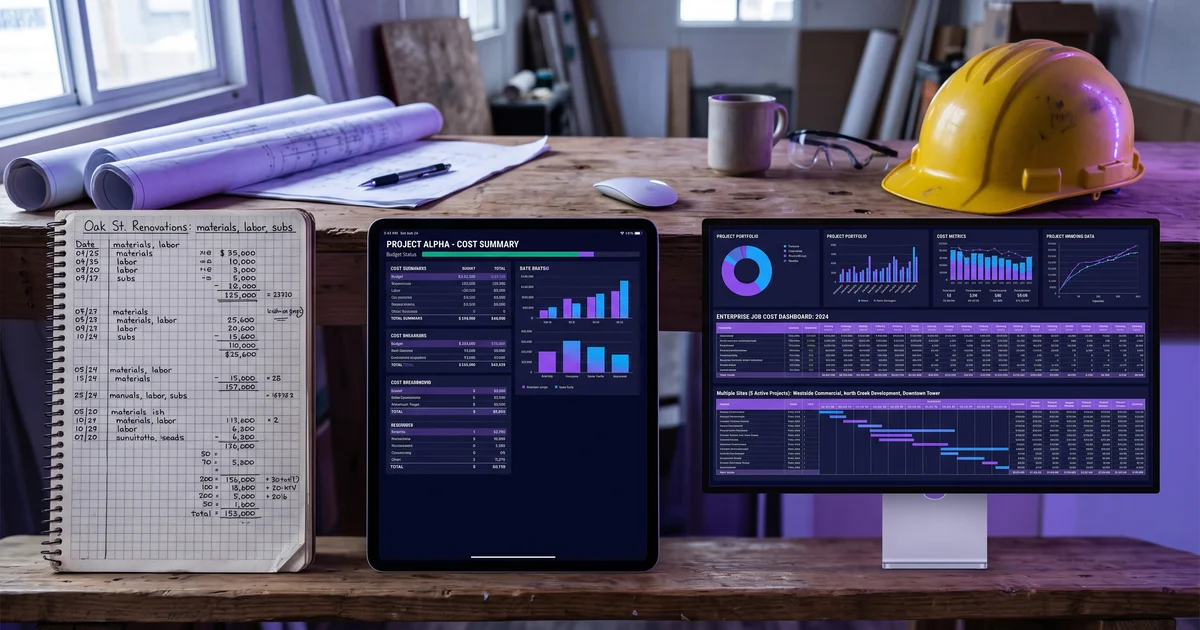
Intuit Enterprise Suite vs Viewpoint Vista: Migrating Down a Tier
Migrating from Viewpoint Vista to Intuit Enterprise Suite? What moves, what you lose, and when the downgrade costs more than it saves.
Updated October 26, 2026

Most ERP comparison content assumes you are moving up. The search data says something different: contractors are looking for the route from Viewpoint Vista down to Intuit Enterprise Suite, and how to migrate the data when they get there.
That is a deliberate downgrade, and it is a more interesting question than the usual one. Sometimes it is exactly right. More often it costs more than the licence fee it saves, and the reason is always the same — the thing you are giving up is not a feature, it is a data model.
Vista or Spectrum?
Trimble sells two construction ERPs, and “Viewpoint to Intuit Enterprise Suite” means a different move depending on which one you are on. This post covers Viewpoint Vista.
| If you are on | Typical contractor | Read |
|---|---|---|
| Viewpoint Vista | Larger or multi-entity contractors on Trimble’s heavier, deeply configurable ERP | This post: the Vista to Intuit Enterprise Suite migration |
| Viewpoint Spectrum | Mid-sized contractors on Trimble’s web-based ERP | Intuit Enterprise Suite vs Viewpoint Spectrum |
| Sage 300 CRE (formerly Timberline), considering Intuit Enterprise Suite | Contractors on Sage’s legacy construction accounting platform | Coming from Sage 300 CRE below: the same move down a tier |
| QuickBooks, deciding where to go next | Contractors outgrowing an entry-level package | Intuit Enterprise Suite vs Viewpoint Spectrum, which covers the step up from QuickBooks |
Key takeaways
- Vista and Intuit Enterprise Suite are not competitors. One is a construction ERP, the other is a general mid-market platform. This is a tier change, not a head-to-head.
- The good reasons to move down are business changes, not software frustration.
- What you lose is the data model: committed cost, cost codes, certified payroll, equipment costing, AIA billing from job data.
- If construction accounting is still load-bearing, move sideways, not down — Spectrum, Acumatica Construction, Sage 100 Contractor or Foundation.
- History is the hard part. Decide what you must retain and how you will produce it in five years before you scope the project.
Weighing a move off Vista? We scope construction ERP migrations, including the version where the answer is to stay and fix the implementation instead. See how we scope an ERP migration →
Why anyone does this
Three reasons come up, and only two of them survive scrutiny.
1. The business genuinely changed — a good reason
The firm shrank, sold a division, stopped self-performing, moved out of prevailing-wage work, or shifted from general contracting to development. The complexity Vista was bought to manage is no longer there, and the platform now costs more than the problem it solves. (If the question is what Vista should cost in the first place, see what drives Viewpoint Vista and Spectrum pricing.)
This is a legitimate move and the one where downgrading works cleanly, because the construction-specific requirements actually went away.
2. Vista was oversold in the first place — also a good reason
A thirty-person contractor bought a platform built for two hundred. Half the modules were never implemented. The firm has been paying for capability it does not use and carrying administrative overhead it does not need.
This is more common than vendors like to admit, and correcting it is sensible. The caution is to correct it accurately: the answer is usually a lighter construction ERP, not a general business platform.
3. “Vista is hard to use” — not a good reason
This is the one that turns into an expensive mistake.
Difficulty with Vista is usually implementation and process debt rather than the software: a cost code structure nobody rationalised, project managers who never adopted the workflow, customisations layered on to avoid a process change, reports built by someone who left. All of that travels with you. Moving platforms without fixing the underlying process produces the same problems on a system that can do less about them.
If the complaint is usability rather than fit, the cheaper experiment is a re-implementation on the platform you already own.
What you actually give up
Not features. A data model.
| Viewpoint Vista | Intuit Enterprise Suite | |
|---|---|---|
| Built for | Larger, complex contractors | General mid-market business |
| Job cost structure | Jobs, phases, cost codes native | Classes, projects, custom fields |
| Committed cost | Native, real time | Not a native concept |
| Certified payroll / union fringe | First-class | Partner, add-on or bureau |
| Equipment costing | Native | Not construction-specific |
| AIA billing with retainage | Generated from job data | Template and manual assembly |
| Estimate to complete | In the job cost ledger | Typically external |
| Multi-entity | Intercompany labour and equipment transfers | Consolidation, not construction transfers |
| Cost to run | High | Substantially lower |
The five in bold are the ones that decide it. If any two are load-bearing for your business today, the workarounds will cost more than the licence saving.
A concrete version of that: committed cost is what lets you know job profitability during the job. Without it you know after the money is spent. For a contractor with material subcontract volume, that is not a reporting inconvenience — it is losing the ability to manage a job in flight.
Migrating Vista data to Intuit Enterprise Suite: the history problem
This is where Vista migrations actually get expensive, and it is independent of destination.
Moves cleanly: chart of accounts, vendor and customer masters, open AR/AP, current-year budgets.
Does not: multi-year job cost history at cost-code level, committed cost detail, certified payroll records with their fringe and prevailing-wage calculations, equipment cost history.
You have three options and all of them cost something:
- Summarise — bring balances, lose the detail behind them
- Archive — keep a read-only Vista instance, and keep paying for it
- Extract — dump to a warehouse or document store, and accept that producing an auditable answer later takes real work
Decide this before you scope anything else. Certified payroll records in particular carry retention obligations, and “we will figure it out during the project” is how firms end up paying Vista maintenance for three years after they stopped using it.
When the move is right
- The business genuinely simplified — smaller, fewer entities, out of prevailing-wage work, less self-performed labour
- Subcontractor commitment volume is now immaterial
- Billing is straightforward rather than AIA with retainage
- You own no significant equipment fleet
- Vista’s construction modules are largely unimplemented anyway
- You have a clear, funded answer for historical records
When it is a mistake
- Certified payroll or union fringe is still part of your week
- Committed costs are material and you manage jobs on them
- You run multiple operating entities with intercompany labour or equipment
- AIA billing with retainage is standard for you
- The actual complaint is “Vista is hard”, not “Vista is too much”
In that last case the honest recommendation is to move sideways rather than down. Viewpoint Spectrum, Acumatica Construction, Sage 100 Contractor or Foundation Software are all lighter and cheaper to run than Vista while keeping the construction data model you depend on. You get most of the cost relief without giving up committed cost and certified payroll.
Coming from Sage 300 CRE?
Sage 300 CRE to Intuit Enterprise Suite is the same move as Vista to Intuit Enterprise Suite: from a construction ERP down to a general mid-market platform. Everything above applies. What you give up is the construction data model (job cost by cost code, committed cost, certified payroll, AIA billing with retainage), and the history problem is the same: years of cost-code-level job history and payroll records that will not map cleanly.
The usual reason Sage 300 CRE users look at Intuit is infrastructure, not features: an ageing on-premises server and remote access that never worked well. If that is the real complaint, compare cloud construction ERPs before moving down. Our Acumatica vs Sage 300 CRE comparison covers that path and its migration mechanics.
If you are comparing against Spectrum instead
Intuit Enterprise Suite comes up most often against Spectrum rather than Vista, because Spectrum is where contractors outgrowing QuickBooks tend to land. That comparison works through the same five decision points at a different tier: Intuit Enterprise Suite vs Viewpoint Spectrum.
Where to start
Write down the three reports you would lose and what decision each one drives. If the honest answer is that nobody has run them in a year, that is real evidence the platform is oversized. If two of them are how you manage jobs, the licence saving is not the number that matters.
We scope construction ERP migrations and selections, and we tell firms to stay put when that is the right call — including the version where the fix is a re-implementation rather than a new platform.
Talk through a move off Vista →
Related reading: Acumatica vs Viewpoint Vista · Viewpoint Spectrum review · Intuit Enterprise Suite vs Spectrum · ECMS, Explorer Eclipse and Foundation vs Vista